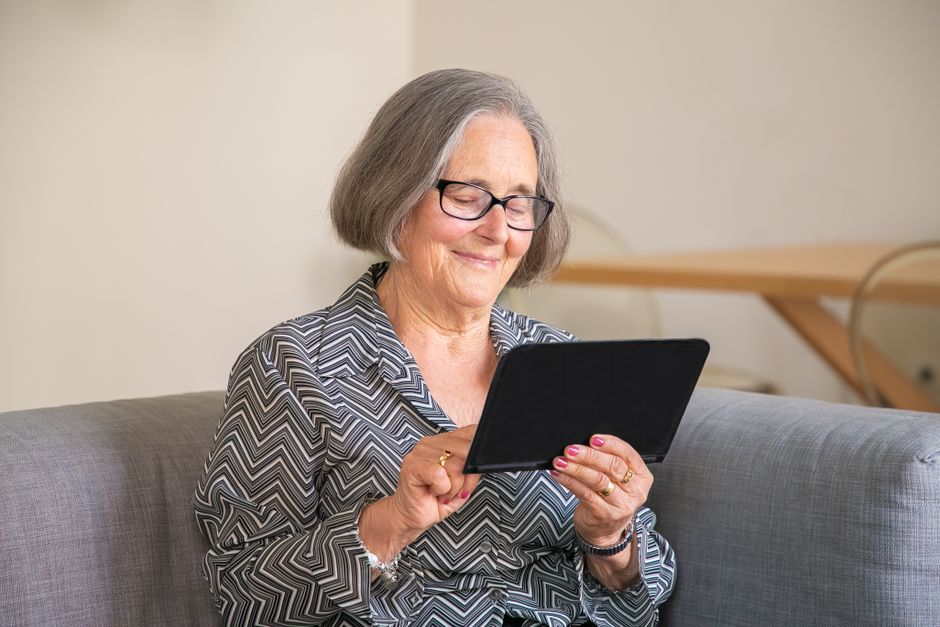
Best Tablets for Seniors: Simple and Safe
Embracing technology can be a game-changer for seniors, offering endless opportunities to stay connected, entertained, and engaged. But with so many complex devices flooding the market, finding the right tablet can be overwhelming. In this guide, we’ll break down the essentials to help you choose a tablet that’s both user-friendly and safe for seniors.
Why This Matters for Seniors
Technology like tablets can play a vital role in combating loneliness and cognitive decline among seniors. With a tablet, older adults can video-call loved ones, enjoy their favorite shows and books, and even stay on top of their health and finances. The key is choosing a device designed with their needs in mind—featuring simple interfaces, large icons, and robust accessibility features.
Top Features to Look For
When shopping for a senior-friendly tablet, there are several key features to prioritize:
- Easy Navigation: Look for tablets with clean, intuitive interfaces and the option to simplify home screens.
- Large Display: A bigger screen with high contrast and magnification settings can be a game-changer for those with vision impairments.
- Assistive Technology: Features like text-to-speech, voice commands, and hearing aid compatibility are essential.
- Senior-Specific Apps: Apps designed for seniors, such as Medisafe for medication reminders and Skype, should be readily available.
Our Recommendations
After careful consideration of the above criteria, here are our top picks:
- The Apple iPad stands out for its robust accessibility features, including VoiceOver screen reader and Zoom. Its larger models, like the iPad Pro with a 12.9-inch display, are particularly suitable.
- For Android users, the Samsung Galaxy Tab A offers a user-friendly interface and customizable accessibility settings like font size and screen contrast.
- A more specialized option is the GrandPad, which features a simplified interface, loud volume, and emergency alert buttons, making it ideal for those with dementia.
Tips for Getting Started
Once you’ve chosen a tablet, here are some tips to help seniors get comfortable:
- Start Simple: Begin with basic tasks like video calling and browsing. Gradually introduce more apps and features.
- Customize: Adjust settings like font size, screen contrast, and notification sounds to suit their preferences.
- Practice Together: Spend time teaching them how to use their new device in a patient and supportive manner.
Conclusion
Choosing the right tablet for a senior can open doors to a more connected, engaging life. By prioritizing ease of use and safety, you can empower them to embrace technology without feeling overwhelmed. Start your search now and explore our recommended tablets to find the perfect fit. With patience and the right device, the digital world can become their playground.
Schreibe einen Kommentar